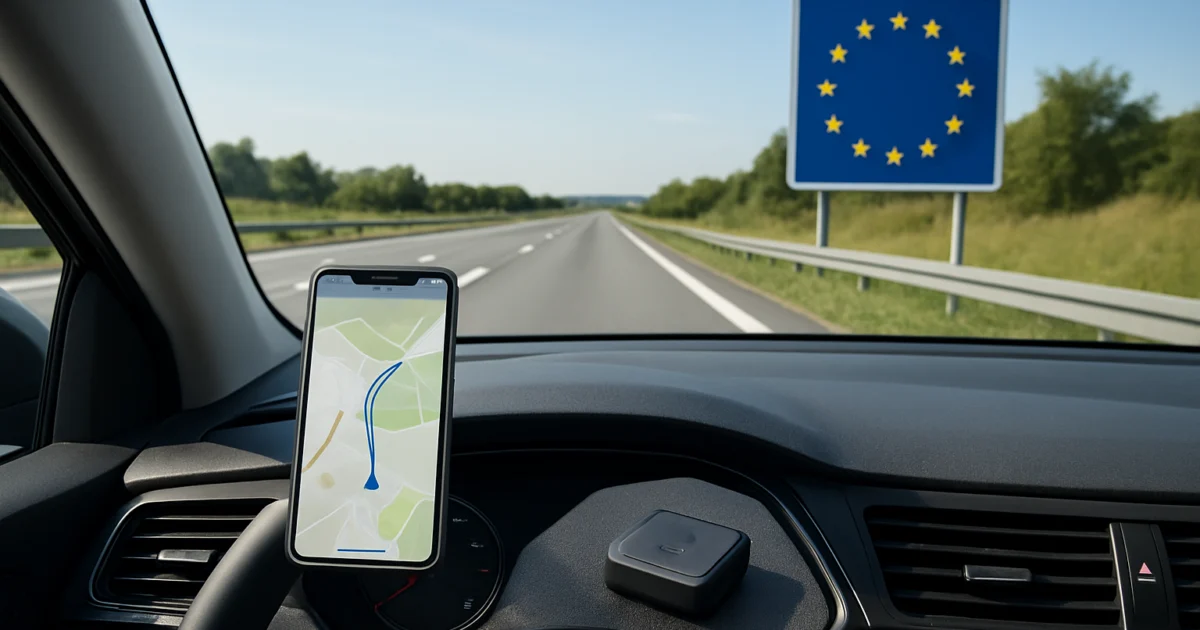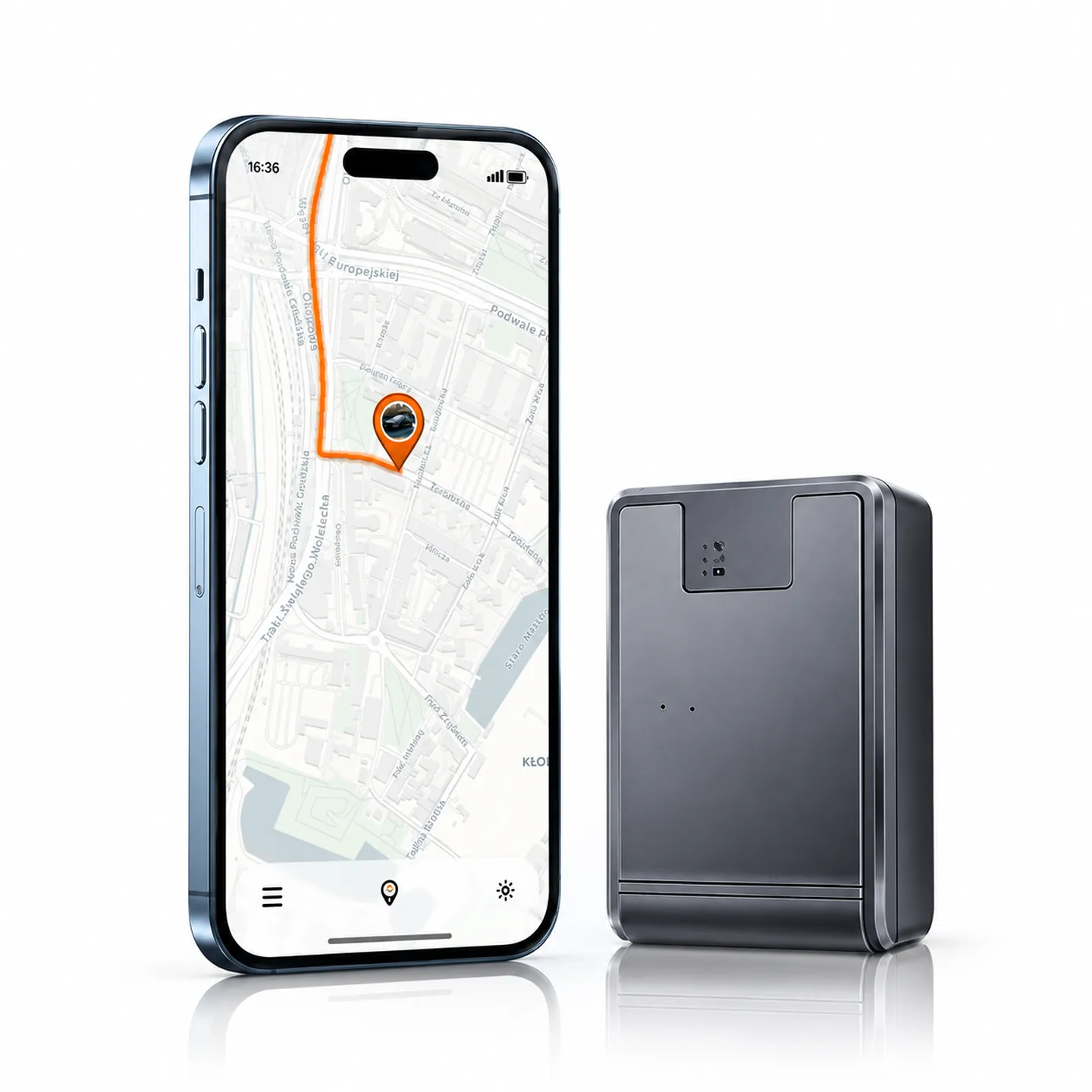

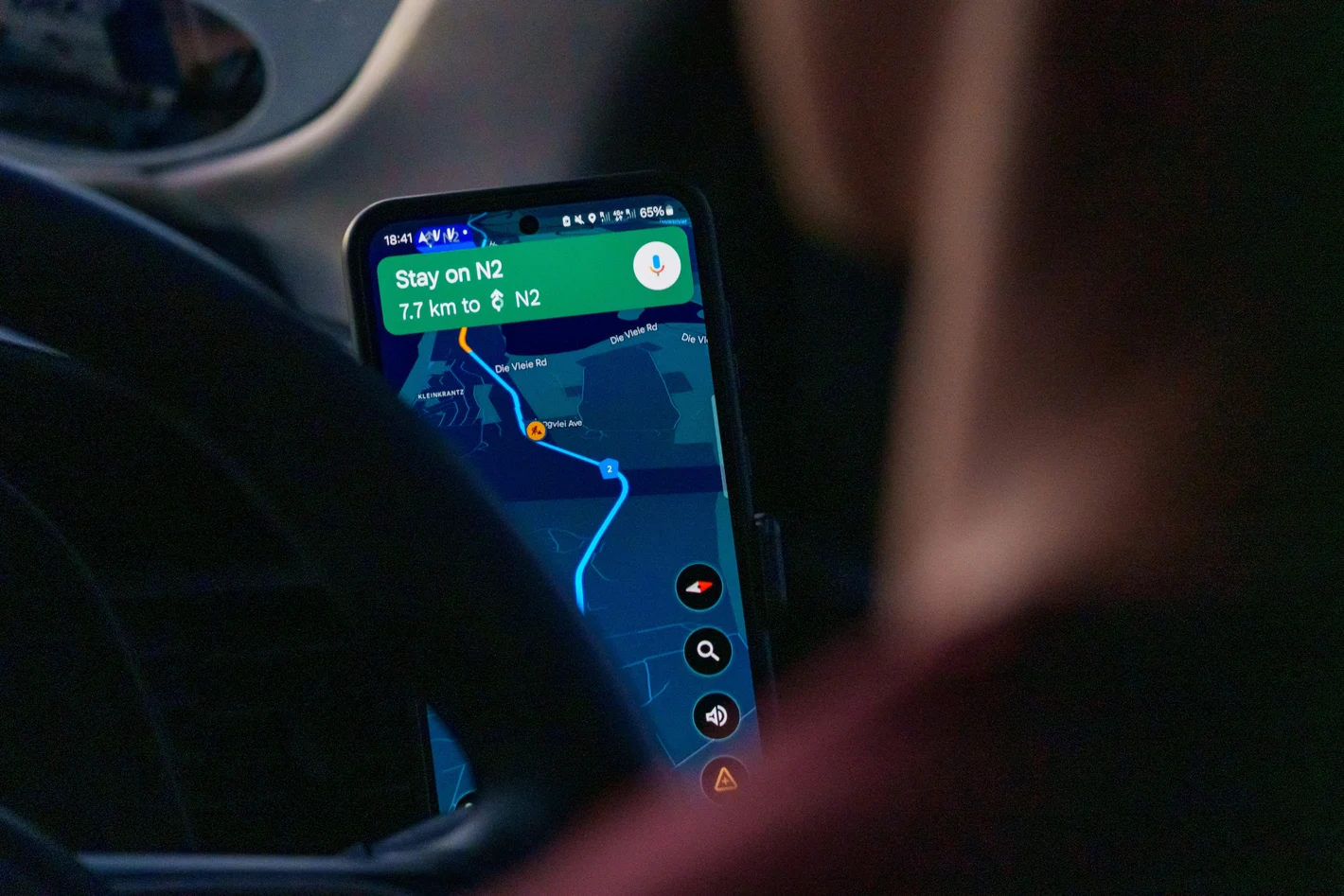
The route history in the GPS tracker allows you to see where the car was before. Instead of displaying only the current position, the app saves the next points and combines them into a run.
Depending on the model, you can see the route, start and end times, stops, distance traveled, and speed.
This feature is useful for a private car, a corporate bus, a semi-trailer, a car, or the entire fleet. The amount and duration of data storage depends on the device and application.
What is the route history?
The locator detects its position at certain intervals. The data is then transmitted to the system and stored as consecutive dots.
The app can combine them on the map, creating a transition from the start point to the end point.
An example entry may contain:
- date of trip,
- start time,
- end time,
- route on the map,
- duration of the trip,
- bus stops,
- speed in individual points,
- last position of the device.
The accuracy of the display depends, among other things, on the refresh rate. If the locator sends a position infrequently, the route can be represented more schematically.
When is your travel history useful?
Route history helps when you want to:
- remember the progress of your previous trip,
- check where the car is parked.,
- confirm your visit to a specific location,
- analyze your travel time,
- check the company's vehicle parking spaces,
- settle trips,
- compare the routes used,
- determine when the vehicle was moved.
This is not just a feature for large companies. It can also be useful in a family car, camper van, or vehicle used by multiple people.
Private car route history
In a private car, a trip record can help you check:
- long journey itinerary,
- place to leave your car,
- departure or return time,
- travel made by a person who was lent a car,
- vehicle movement in the absence of the owner.
The function must be used legally and with the knowledge of the people using the car. The locator should not be used for covert surveillance of other people's cars or people.
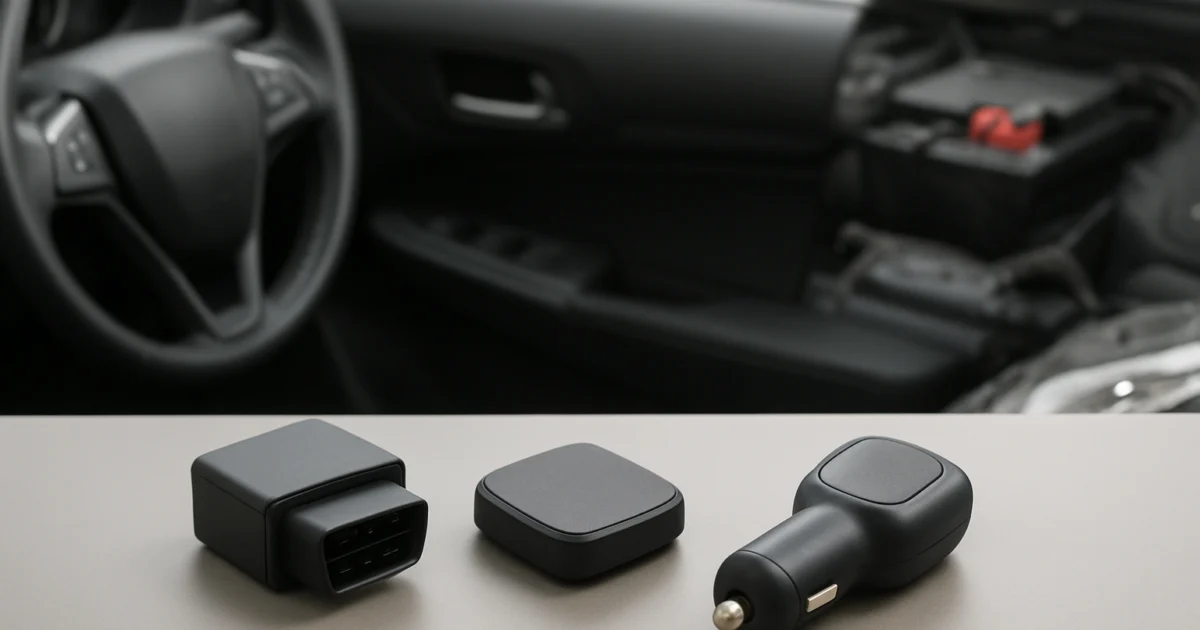
For a private car, you can use StealthTrack™Magnetic GPS Tracker or 4G GPS tracker in the StealthTrack ™ Charge Charger.
Route history in the company and fleet
The company's travel history can help you organize your work and use vehicles. Allows you to check whether the car reached its destination, how long the route took, and where the longer stops were.
Can help with:
- planning your next trips,
- analysis of bus usage,
- calculating kilometers,
- customer service confirmation,
- explanation of delays,
- detect unplanned routes,
- stop time control,
- analyze the operation of multiple vehicles.
Monitoring should be carried out transparently. Drivers should know the rules for using locators, the amount of data collected, and the purpose of processing them.
The fleet can match StealthTrack™Magnetic GPS Tracker, which allows you to check your route history and kilometers traveled.
The alternative is car camera with GPS, when an image entry is required in addition to the location.
What data should I check?
A simple number of points on the map does not always provide the most important information. In practice, it is worth analyzing:
Start and end times
This allows you to determine when the car started moving and when it arrived at the place.
Route length
This can help you compare different directions and catch unscheduled detours.
Bus stops
Long stops affect the route execution time. However, they need to be interpreted in the context of traffic jams, loading, mandatory breaks, and the driver's work.
Speed
The data can support driving analysis, but its accuracy depends on the device and signal quality. They should not be interpreted without taking into account possible deviations.
Disadvantages in recording
A history interrupt may be due to a lack of range, a low battery, a device shutdown, or a power outage. This does not always mean deliberate interference.
How do I set the locator so that the story is readable?
To get useful data:
- place the device in a location with appropriate access to the signal,
- set a reasonable refresh rate,
- check the battery regularly,
- set up the correct time zone,
- name the vehicles in the app,
- don't turn on all alerts unnecessarily,
- periodically check the entry on the short test route.
More frequent updates create a more accurate route, but can increase battery and data consumption.
Resume
The route history in the GPS tracker records subsequent device positions and presents them as a trip on the map. It can include hours, stops, distance, and speed.
This feature is useful in both a private car, a corporate bus, or the entire fleet. Check lokalizatory GPS and choose a model that offers a range of stories that suits your needs.